

European ESG Template (EET): SFDR periodic
Europe
Checks European ESG Template (EET) files for SFDR periodic reporting: the sustainability data fund manufacturers send to insurers and distributors.
From the European ESG Template (EET) V1.1.3, published by FinDatEx: the 79 fields it marks for SFDR periodic reports.
- 134validation rules
- 3pipeline stages
- 79SFDR periodic fields
- 4 minto build and check
See it in Quantemplate
The pipeline
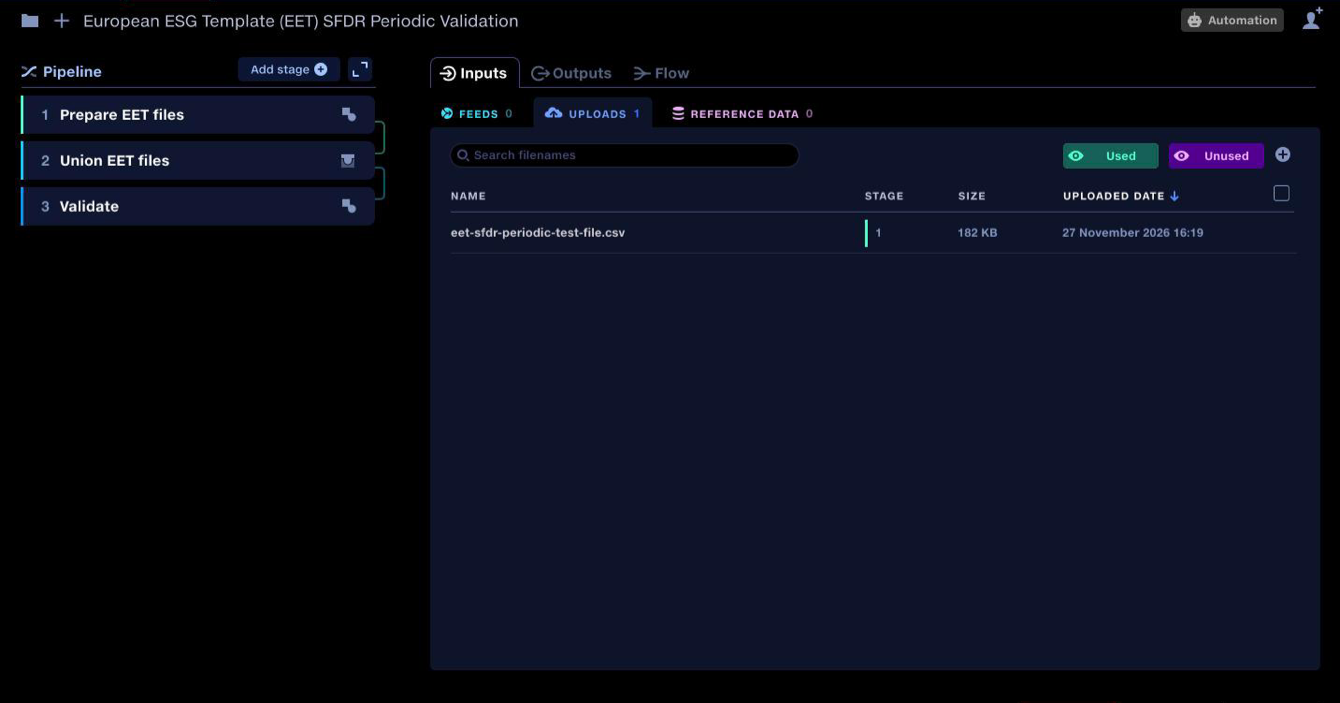
The flow
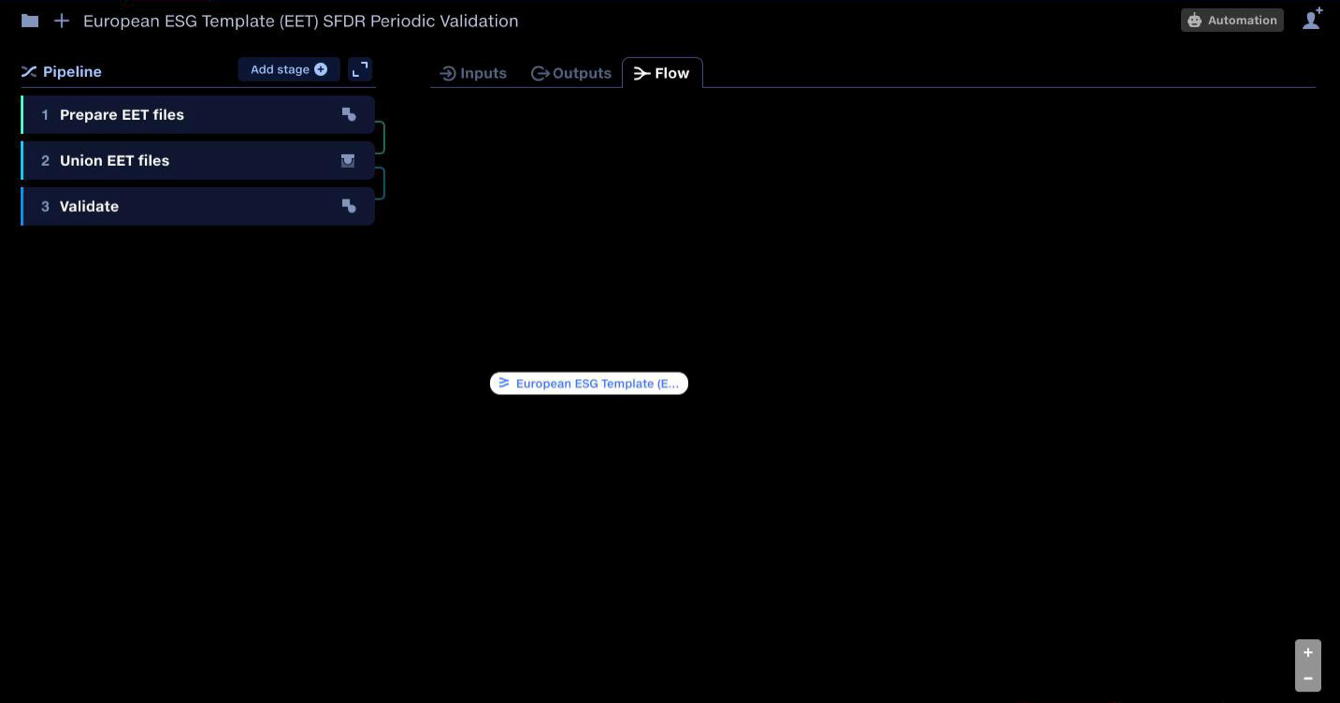
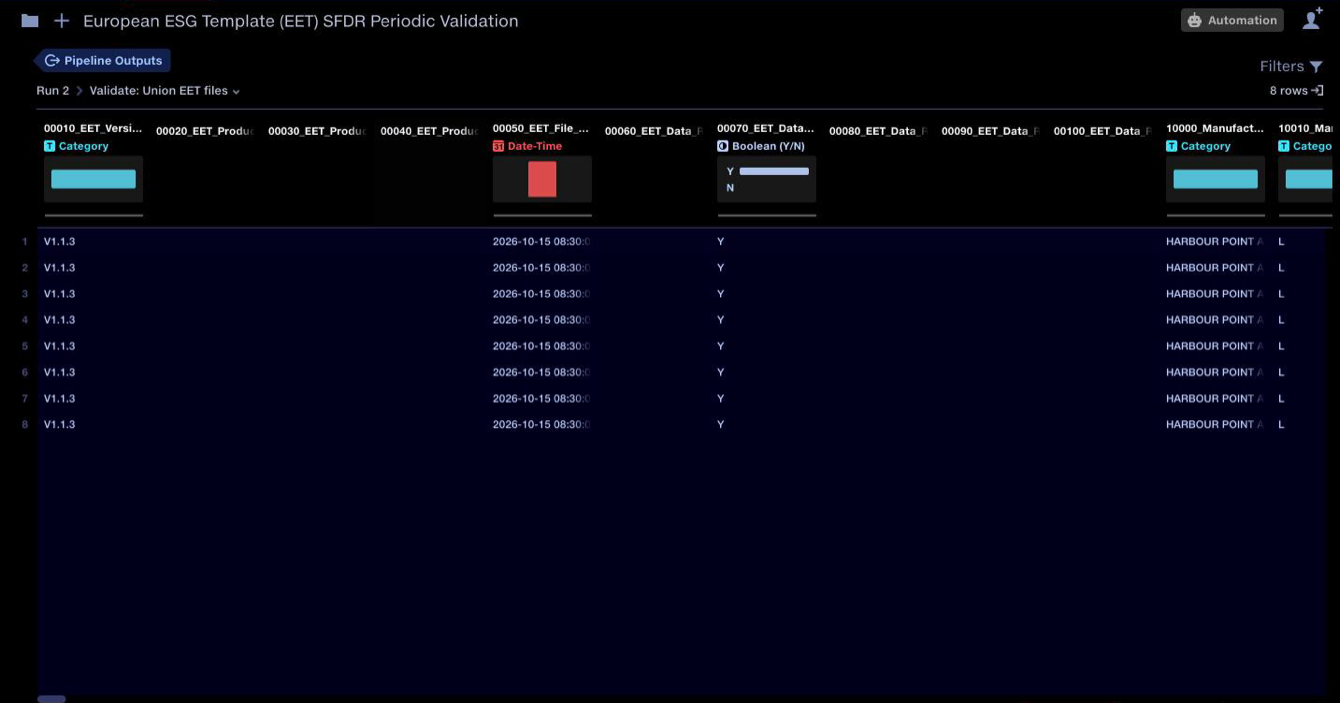
The checked output
What it checks
134 rules 131 Fail 3 Warning
- Mandatory fieldsFields marked M for SFDR periodic reports aren’t blank 13 Fail 13
- Conditional fieldsArticle 8 and 9 figures, and fields that depend on another field 56 Fail 56
- FormatsY/N flags, fractions from 0 to 1, dates, and currency and product type codes 62 Fail, 1 Warning 63
- ConsistencyAligned and not-aligned shares add up to 1, and commitments are met 0 Fail, 2 Warning 2
A rule set to Fail marks its rows as failed, and any failure blocks Auto Export if you set it up. Warnings are only reported. Validation never removes a row. Every rule and its formula is listed in VALIDATIONS.md in the download.
How the pipeline works
- Stage 1 Prepare EET files Tidy the 79 periodic fields and work out the SFDR product type
- Stage 2 Union Stack every EET file into one
- Stage 3 Validate Run the 134 rules
What’s in the download
- The 134 rules as JSON, and a table of every rule with its formula and why
- Eight fictional products (Article 6, 8 and 9 funds) with all 614 EET columns, and a test file with a product built to fail each rule
- The number of rows each rule should flag on the test file
- A Claude skill that builds the pipeline and checks the results
- A snapshot of the finished pipeline and the scripts that build it from your browser
The EET spreadsheet isn’t included, because it carries no licence statement. Download it from FinDatEx.
Build it
- Unzip the download and copy the folder in
skillsinto~/.claude/skills/. - With Claude in Chrome signed in to Quantemplate, ask Claude Code:
Build the EET SFDR periodic pipeline from the eet-sfdr-periodic folder.
- Claude creates the datasets and stages, runs the test data and checks every rule’s result. This takes around 4 minutes.
The agent builds through the Quantemplate app’s own API in your browser. That API isn’t published, so if a release changes it, the build stops and the agent offers to click through the screens instead, which takes much longer. Review what the agent builds before you rely on it.
Using real files
- Add each manufacturer’s EET file as an input to stage 1.
- For another EET use case, such as SFDR pre-contractual, MiFID or IDD, see
scripts/README.mdin the download. Each marks different fields.
Contact the Quantemplate support team, or use your AI agent, to build custom logic for your use case.
Limits
- It covers SFDR periodic reporting only.
- The conditions are our reading of the template’s comments. Check them against your own reading.
- Closed lists with several values, such as labels, thematic characteristics and SDGs, aren’t checked.
- The test data is fictional.
- The build doesn’t set up Auto Run, Auto Export or feeds.
- The agent works through the app in your browser, so changes someone makes in the app whilst it’s working can trip it up.