Reports use data stored in the data repo.
Data can be uploaded directly to the repo or cleansed and exported from your pipelines.
The Report Data Source allows you to load, filter and synchronise dataset for every Pivot frame in the report. New Pivot frames use the report Data Source by default.
Add filters to your report data source to save time setting filters on each Pivot individually.
The dataset preview shows the first 1000 rows of filtered data.
By default, a pivot table uses the report data source. This can be overridden within a pivot table by editing the table’s data source. Filters applied in a pivot table apply on top of the filters in a report data source. For more details see Create a pivot and filtering.
To export the filtered dataset used in your report, click the download button on the top right of the report filter. Data will be downloaded in CSV format, UTF-8 with Byte Order Mark, for compatibility with Excel. The CSV delimiter can be changed, in order to support different regional number formatting settings in Excel. Read more about download file formats here.
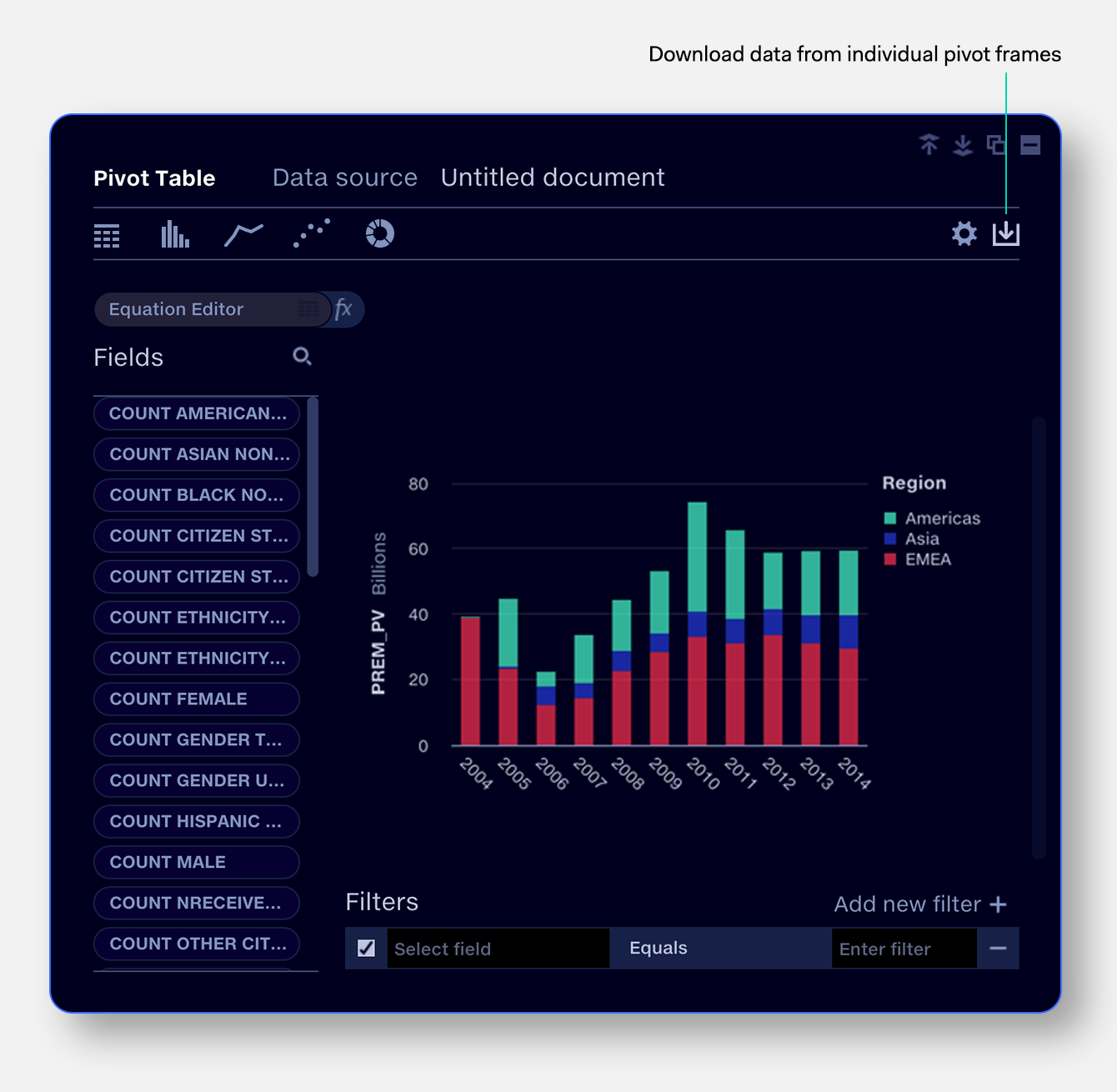
To export pivoted and filtered data from a pivot table, click the download button.